Many users get stressed and confused when they instantly see the 11xplay account blocked message instantly while trying to log in to their account. This seems very frustrating, especially when you want to access your account quickly without any delay. For some users, it can create panic because they thought it can cause serious problem. In most of the cases, account gets blocked because of its security reasons, and the good thing is that this problem can usually be fixed by following a few simple and correct steps.
In this blog, we will explain the common reasons why an account gets blocked and how you can solve the issue in an easy and simple way without feeling confused.
Common Reasons for an 11xPlay Account Blocked Issue
There must be several reasons why a platform may stop you from accessing your account. Below are the most common causes.
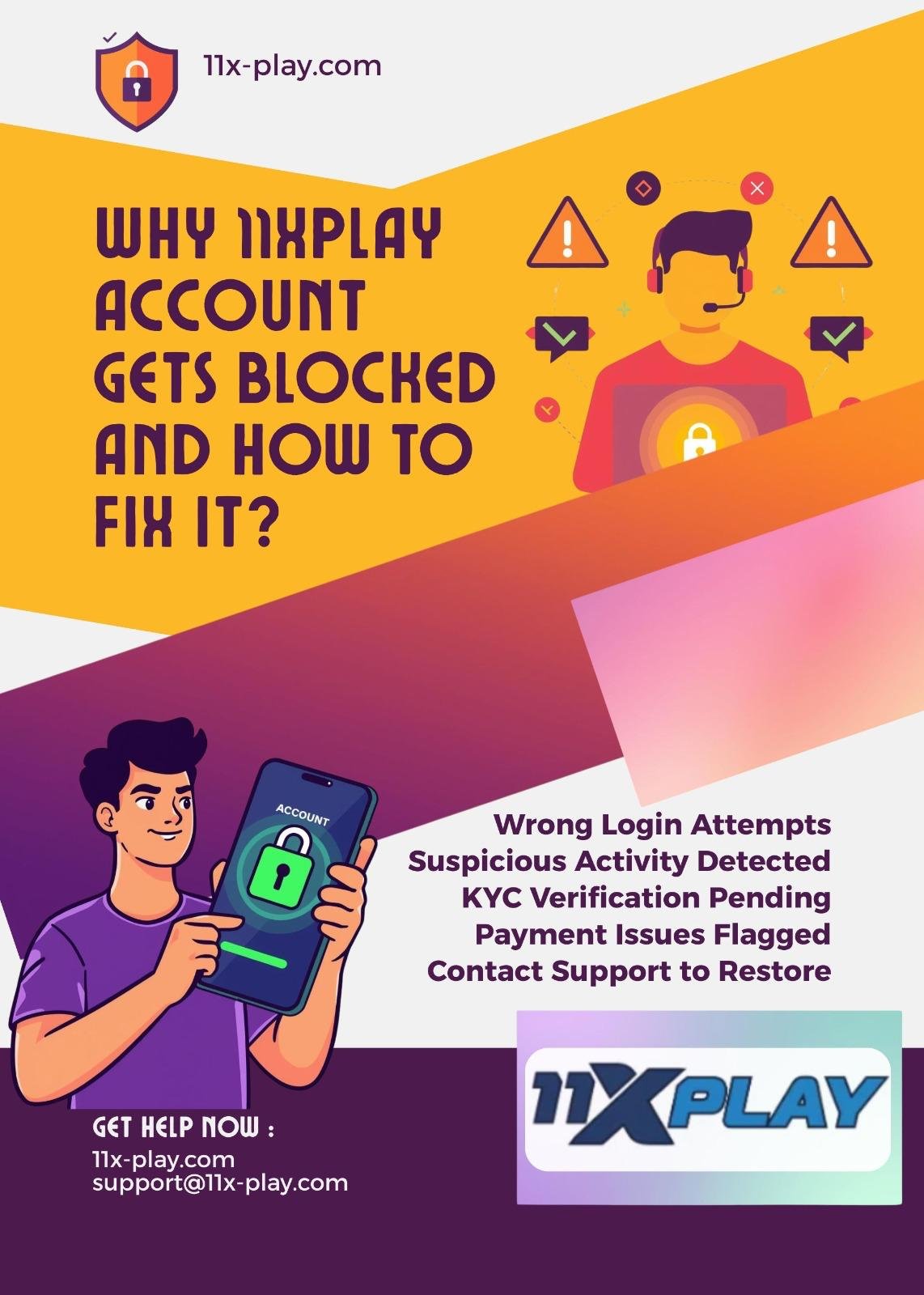
1. Wrong Account Login Attempts
One of the main reasons for an account block is entering the wrong password multiple times. When the system notices repeated failed login attempts, it may temporarily block the account to protect it from unauthorized access.
If you forget your password and keep trying different combinations, the system may think someone else is trying to enter your account.
2. Suspicious Activity
Sometimes the system detects unusual activity such as:
- Logging in from multiple devices at the same time
- Using different locations within a short time period
- Making too many transactions at once
- Frequently changing account details
For safety, the platform may block the account until the owner confirms identity.
3. Incomplete Verification
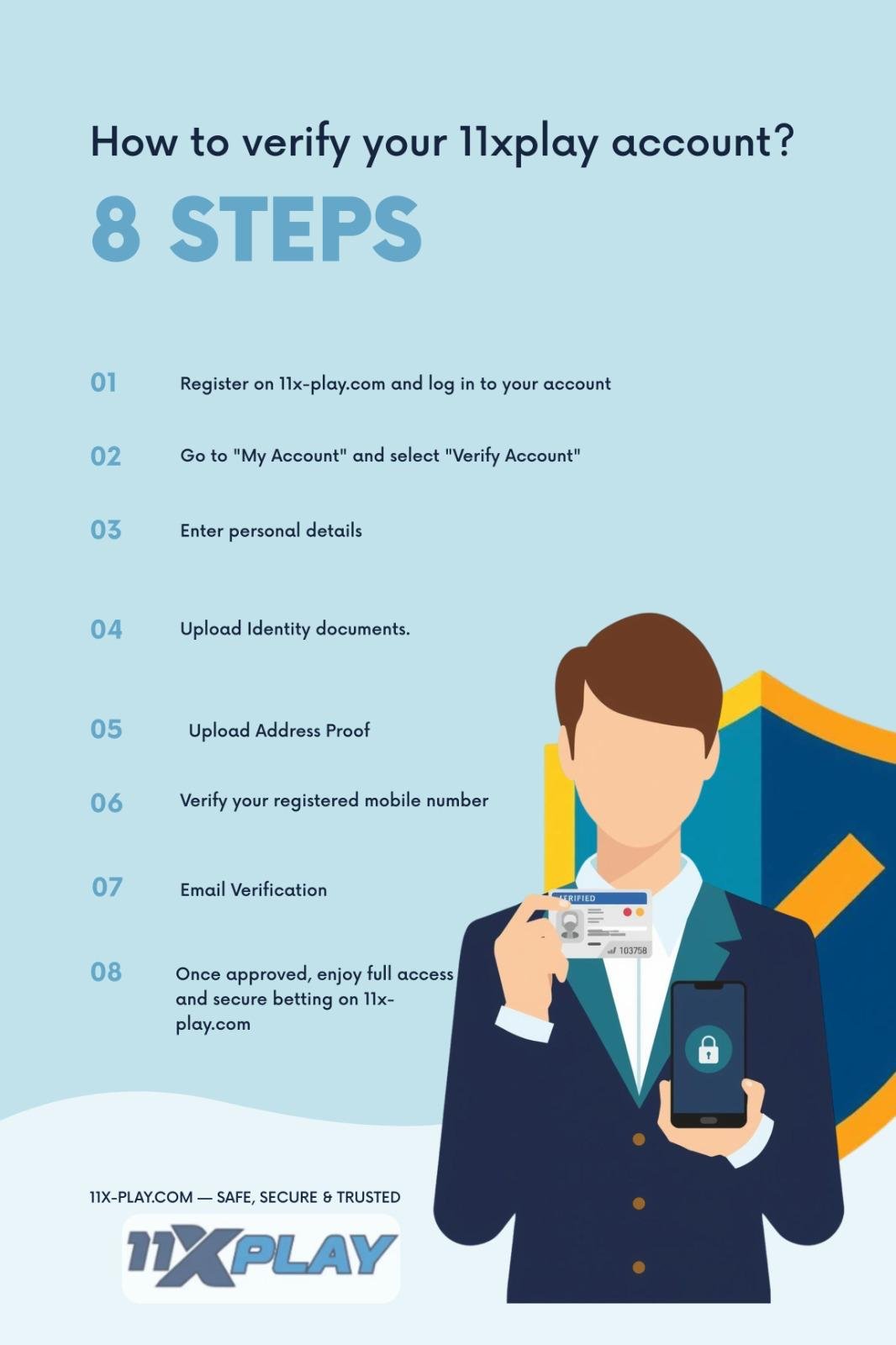
Some accounts get restricted because KYC or identity verification is not completed properly. If your submitted details do not match your account information, access may be limited.
This can happen if:
- The name does not match your ID proof
- The wrong phone number was used
- Blurred documents are uploaded
- Duplicate accounts are created
4. Violation of Platform Rules
Every platform has terms and conditions. If a user breaks these rules, the account can be blocked.
Common violations include:
- Creating multiple accounts
- Sharing your account with other people
- Using fake personal details
- Misusing promotional offers
Even if done by mistake, the system may still block access.
5. Payment Related Issues
Sometimes payment problems can trigger account restrictions. This may happen when:
- A deposit fails multiple times
- A withdrawal request appears unusual
- Card details do not match account details
The platform may freeze access until the issue is reviewed.
How to Fix 11xPlay Account Blocked Problem
If your 11xplay account blocked issue appears, do not panic. In many cases, it can be resolved quickly.
Reset Your Password
The first thing you should do is reset your password.
Follow these steps:
- Go to login page
- Click “Forgot Password”
- Enter your registered mobile number or email
- Verify OTP
- Create a new password
After resetting, try logging in again.
A strong password can help prevent future issues.
Contact Customer Support
If password reset does not work, contact customer support.
Provide:
- Registered mobile number
- Username
- Screenshot of error message
- Brief explanation of issue
Support can check the reason and guide you properly.
Be polite while explaining because faster communication often helps solve the issue sooner.
Complete Verification
If the account is blocked due to verification problems, upload correct documents.
Usually required documents include:
- Aadhaar card
- PAN card
- Passport
- Driving license
Make sure:
- Image is clear
- Details match account
- Document is valid
- Phone number is correct
This can help restore your access.
Wait for Temporary Block Removal
Sometimes the system blocks access only for a short time. If there were too many failed login attempts, the block may automatically remove after some time.
Wait for:
- 30 minutes
- 1 hour
- 24 hours in some cases
Then try again carefully.
Check Internet or Device Issues
Sometimes users think their account is blocked when the real issue is technical.
Try:
- Changing browser
- Clearing cache
- Restarting app
- Using another device
- Checking internet connection
A simple device refresh can sometimes solve the problem.
How to Avoid Account Block in Future
To avoid another 11xplay account blocked issue, follow these safety tips.
Use Correct Login Details
Always be careful while login and double-check your details. A small mistake can make an issue.
Always double-check:
- Your username
- Your password
- Enter the OTP properly
Try to avoid entering the wrong details again and again, because repeated failure attempts can temporarily block your account.
Keep One Account Only
Using multiple accounts can create problems. Always use one genuine account.
Verify Account Early
Complete your verification as soon as possible so the system trusts your account.
Follow Platform Rules
Read the platform rules carefully and avoid suspicious activity.
Use Secure Password
Create a password that includes:
- Letters
- Numbers
- Symbols
Example:
Strong@123
This protects your account from unauthorized access.
When to Contact Support Immediately
You should contact to the support team immediately without any delay if you find any of the following issues. Sometimes ignoring these things can create a big problem, that’s why taking quick actions is better and can make your account safe and secure.
- Account remains blocked for more than 24 hours
- Password reset fails
- Verification rejected repeatedly
- Balance is not visible
- Unauthorized activity appears
Taking quick actions in these situations can prevent you from big issue. It ensures that your account stays safe and you can get back to normal usage as soon as possible.
Final Thoughts
Seeing the 11xplay account blocked message can be a bit stressful and worrying, especially when you are trying to login your account quickly. Many users at that time get confused and don’t understand that exactly what’s the problem. But the good thing is that, in most of the cases this problem is not permanent and can be easily fixed by following the correct steps.
Usually, accounts get restricted due to simple reasons like entering wrong password again and again, unusual and suspicious activity, incomplete verification or not following the platform rules properly. These are the common issue and are related to the account safety and security, not something serious or permanent.
The best way to handle the situation is to stay calm and don’t panic. Firstly, try to reset your password if you think that you have entered the wrong password. After that check your account details and ensure that the verification information is correct and complete. If the problem still not solves you can contact to the support team for the help, and they will guide the process to you step by step.
By following these simple steps, you can recover your account quickly without any problem. Keeping your account secure and following platform rules can help ensure smooth access every time you log in.